
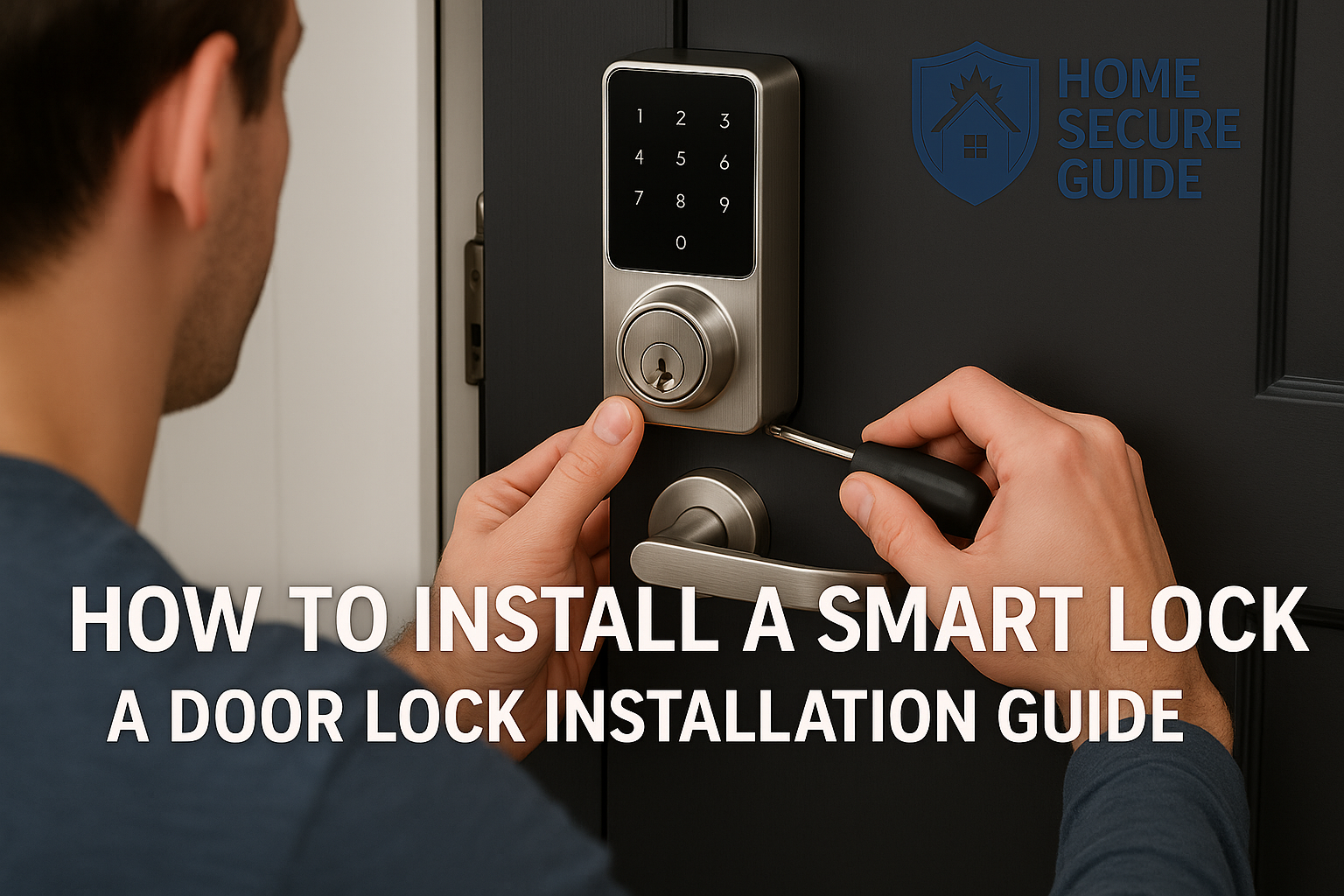
How to Install a Smart Lock: A Door Lock Installation Guide
🏠 Introduction
A new smart lock is no longer a novelty; it’s becoming a standard feature for home security in Canadian homes from St. John’s to Surrey. The convenience of keyless entry, the ability to control your smart lock from anywhere, and enhanced security is undeniable. But here in Canada, a successful smart lock installation means more than just following the basic steps—it means preparing for everything our climate can throw at it.
Proper installation is critical for performance, and especially for reliability when the temperature plummets. A poorly installed door lock can fail, drain its batteries, or leave your home vulnerable. This installation guide will walk you through the entire installation process, from unboxing to the final app sync, with special considerations to ensure your smart lock is truly “Canadian winter-proof.”
Disclosure: As an Amazon Associate, we earn from qualifying purchases—at no extra cost to you. Our recommendations are based on thorough research and Canadian homeowner needs, and commissions never influence our reviews
🛠️ Tools for Installing a Smart Lock
Gathering your tools first makes the DIY installation go smoothly. Most smart locks come with an installation kit, but you’ll need a few basic tools. Think of it as your pre-flight checklist before you install a smart lock.
Basic Tools
- Phillips Head Screwdriver: A good quality No. 2 Phillips is your best friend here.
- Flathead Screwdriver: Useful for prying components from the existing door.
- Drill: Optional, but a power drill makes the job much faster.
- Measuring Tape: Absolutely essential for checking the hole in the door.
- Pencil or Marker: For any minor adjustments.
- Safety Glasses
Smart Lock-Specific Tools (If Required)
- Template: Usually provided with the lock that fits your door.
- Allen Wrench: Often included with many smart locks.
- Wood Chisel: Might be needed if the new latch plate requires a slightly larger mortise.
- Smartphone with Companion App: Required for the final lock setup.
⚙️ Step-by-Step Guide for How to install a smart lock
Step 1: Remove Your Existing Deadbolt
First, keep your door open! Start on the interior side of the door and unscrew the two visible screws on the thumbturn. Once they’re out, you can remove both the interior and exterior halves of the existing deadbolt and door hardware. Then, remove the two screws on the edge of the door to slide out the old bolt mechanism.
Step 2: Check Door Compatibility
This is the “measure twice, install once” step. You need to ensure your smart lock is compatible with your door. Use your tape measure to confirm:
- Backset: The distance from the door’s edge to the center of the big hole. This is almost always 2 ⅜ inches (60 mm) or 2 ¾ inches (70 mm).
- Door Thickness: The standard is 1 ⅜ to 1 ¾ inches (35-44 mm).
- Borehole Diameter: The large hole should be 2 ⅛ inches (54 mm).
Step 3: Begin the Smart Lock Installation Process
Take the new bolt from your smart lock’s kit. If it’s adjustable, set it to match your backset. Slide the bolt into the hole on the edge of the door, making sure the “TOP” marking is facing up. Secure it with the two provided screws until the faceplate is flush.
Step 4: Attach the Exterior Keypad or Lock
This step is critical. Carefully feed the data cable from the exterior keypad lock UNDERNEATH the bolt. Pinching this cable is the #1 reason for installation failure. Position the exterior keypad flush against the door, ensuring its tailpiece passes through the center of the bolt.
Step 5: Install the Interior Assembly
From inside, route the data cable through the interior mounting plate and secure it using the two long “through-bolts.” Tighten them evenly. Now, connect the data cable to the interior assembly, tuck in any excess wire, and mount the unit onto the plate.
Step 6: Insert Batteries & Power On
Install a fresh set of lithium AA batteries. Do not use the cheap alkaline ones from the box for a Canadian winter. Once the batteries are in, the smart lock works by powering on, often with a beep, and may begin its automatic “door handing” process.
Step 7: Set Up and Pair with your Smart Home System
Download your lock’s specific app. Follow the on-screen instructions to pair your lock. This is where you’ll connect it to your Wi-Fi, set your first PIN codes, and configure features for your smart home. This is a key part of the smart home integration, allowing you to lock your door remotely.
Step 8: Test the Lock and Unlock Your Door
Before you close the door, test the lock.
- Lock and unlock it using the interior thumbturn.
- Lock and unlock your door using the app.
- Use a PIN code on the keypad.
Now, close the door and test again. The deadbolt should extend and retract smoothly into the door frame without any rubbing. You should be able to unlock your door remotely.
❄️ Special Considerations for Installing Smart Door Locks in Canada
This is where we separate a standard installation from a smart, Canadian-proof one. The smart lock’s performance depends on this.
1. Door Alignment in Cold Weather Your door frame can shrink in the cold. If the bolt rubs at all, you need to adjust the strike plate. Use longer screws—they bite deeper into the frame stud, providing more stability.
2. Weather Stripping and Insulation A good seal is non-negotiable. Replace old weather stripping to prevent drafts that can carry moisture and cold air directly onto your smart home devices. For superior protection, apply a thin bead of clear silicone caulk around the top and sides of the exterior keypad.
3. Battery Life and Power Management This is critical. Standard alkaline batteries can lose over 50% of their power in freezing temperatures. Use Lithium AA batteries from day one. They are rated for temperatures down to -40°C and will last the entire winter.
4. Keep Firmware Updated Manufacturers often release updates to improve battery performance. Ensure your lock is installed and connected to Wi-Fi so it can download these crucial updates.
5. Wi-Fi/Bluetooth Signal Reliability Cold air and building materials can weaken wireless signals. If your lock is slow to respond, ensure your router isn’t too far away.
6. Frozen Components and Prevention Before winter hits, give the moving parts some TLC. A quick spray of a dry graphite lubricant into the keyway can prevent it from freezing up. Never use a wet lubricant like WD-40.
🧐 Troubleshooting Your Smart Lock Installation
- Lock doesn’t align? Adjust the strike plate or check your door hinges.
- App won’t connect? Reboot your router and the lock (by removing and reinserting a battery).
- Deadbolt sticks? It’s likely an alignment issue. Re-check Step 8.
- Keypad is unresponsive or doesn’t light up? This is almost always a power issue. Double-check that your batteries are new, are of the recommended type (lithium), and are installed correctly. If the issue persists, carefully re-check the data cable connection you made in Step 5.
❓ Smart Lock Installation FAQ
1. Can I install a smart lock myself or do I need a professional? Absolutely! Most smart locks come ready for DIY installation and take less than 30 minutes with just a screwdriver. It’s designed to be easy to install.
2. Do smart locks work in sub-zero Canadian winters? Yes, provided you choose the right model. Look for locks with an operating temperature rated to at least –30°C and use lithium batteries.
3. What’s the best battery for winter? Lithium batteries are the undisputed champion for cold weather performance.
4. Will the smart lock fit my older Canadian door? Most likely. The door prep standards mentioned above have been common for decades. Just measure first to be sure.
5. How do I protect my lock from snow and ice? A good door seal with quality weather stripping is your best defense.
🏁 Final Tips and Conclusion on Installing Your Smart Lock
A smart lock is a fantastic upgrade for any Canadian home. By taking the time for a proper smart lock installation, you ensure it remains a reliable asset instead of a frozen frustration.
Always double-check your manufacturer’s guide, test the lock thoroughly, and keep a backup key in a safe place. With these steps, you’ll be ready to enjoy keyless freedom.
Looking to buy best smart door lock for Canadian homes that survives in extreme winters? check out the in depth review of 5 best smart lock for Canadian winters
Browse Door locks on Amazon.ca
Full Affiliate Disclosure: Home Secure Guide participates in the Amazon Services LLC Associates Program and other affiliate programs. This means we may earn a commission if you click on a link and make a purchase, at no additional cost to you. These commissions help support our Canadian‑focused, independent research and guides.